How can I access the chat feature during a livestream?
Chat with other people who are watching the worship at the same time. When you watch the live stream on a personal computer, smartphone, or tablet using the Church Online Platform, it’s easy to connect with others.
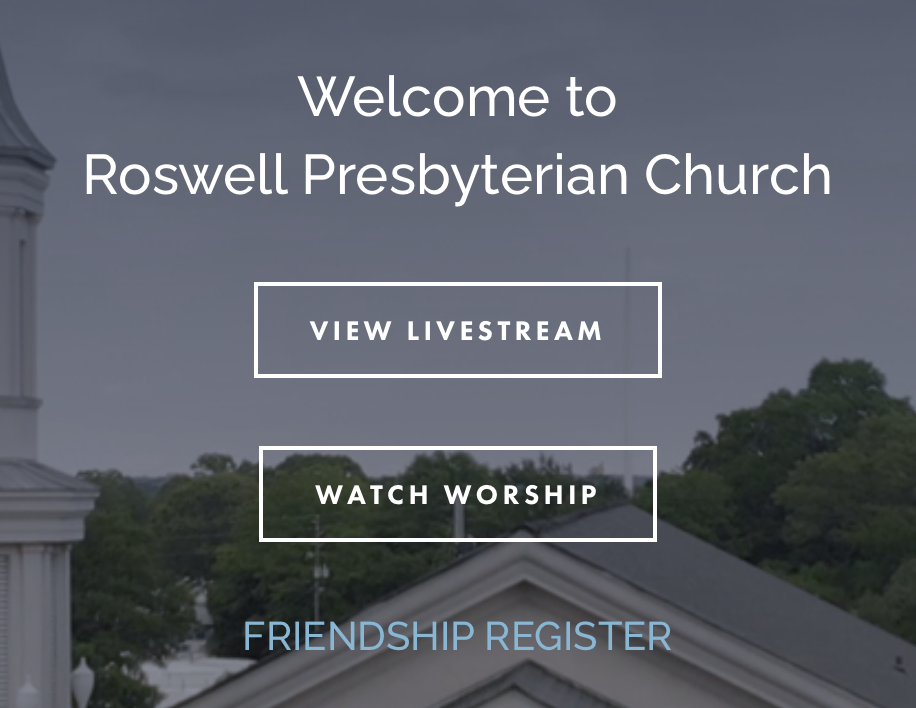
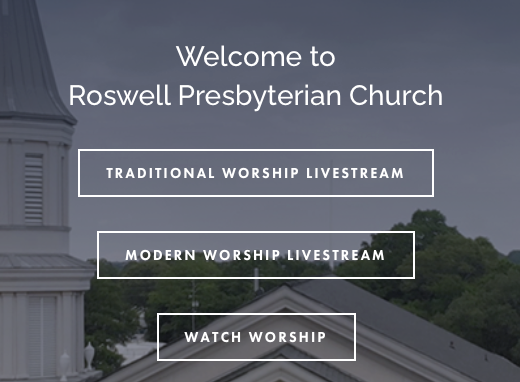
Go to roswellpres.org and click the live stream button for the service you want to watch. Traditional Worship Livestream is www.roswellpres.online.church, and the Modern Worship Livestream is www.roswellpresmodern.online.church. This will take you to the Church Online Platform.
On the right side of the page, there is an active chat occurring. This chat is most often hosted by either staff or volunteer members. You can say hello, visit with others while watching, request prayers and ask specific questions about the life and mission of RPC.
I don’t see the chat, How can I access it?
First, make sure you're watching on RPC's online platform! Head to roswellpres.org and click on view live stream if you're not there already. Most of the conversation happens there!
Check to see if your video is fullscreen. If it's fullscreen, you won't see the chat features. Make sure you're using Google Chrome. It's the most reliable browser for watching church online! Get it here. If you're still not seeing the chat, try refreshing your page.